
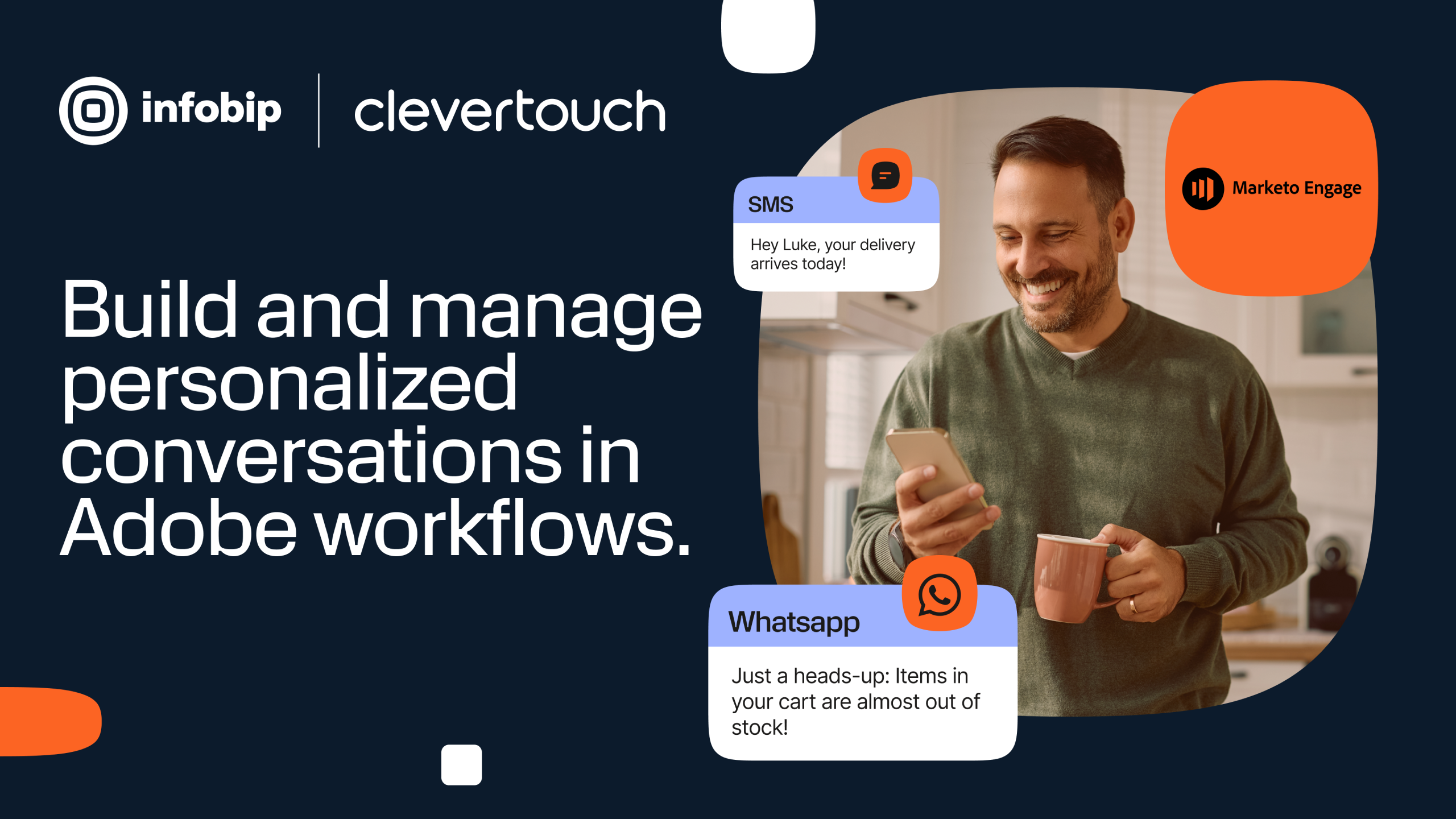
WhatsApp and SMS Messaging for Adobe Marketo Engage enables marketers to send SMS and WhatsApp template messages to Marketo leads directly from Smart Campaigns using custom, Self-Service Flow Steps. This allows teams to deploy messaging at scale within Marketo, without custom development or external tools.
Approved SMS and WhatsApp template messages can be sent with structured content such as text, images, documents, links, locations and unique codes. Audience selection, timing and orchestration are managed through standard Smart Campaign logic, with personalisation applied using Marketo tokens.
WhatsApp delivery reports are written back into Marketo, recording sent, delivered and seen statuses within lead activity for consistent tracking and reporting.
Key capabilities
Approved SMS and WhatsApp template messages can be sent with structured content such as text, images, documents, links, locations and unique codes. Audience selection, timing and orchestration are managed through standard Smart Campaign logic, with personalisation applied using Marketo tokens.
WhatsApp delivery reports are written back into Marketo, recording sent, delivered and seen statuses within lead activity for consistent tracking and reporting.
Key capabilities
- Messaging Marketo Leads at scale. Segment audiences and deploy messages through drop-in, self-service flow steps within Smart Campaigns.
- Marketo Native implementation. Enable marketers to send messages directly from Marketo using familiar campaign logic and setup. Smart Campaigns can be scheduled or triggered using existing Marketo filters, triggers, lead attributes or activity, and incorporated into existing campaigns.
- Personalisation. Utilise Marketo tokens to personalise content securely at scale. Send personalised messages with custom text values, unique codes, links, documents, images, videos and more.
- Trackable ROI and Delivery. Track delivery and read statuses through delivery reports via Custom Activities for seen and delivered messages.
- Integration with Sales. Sync message activity data to your CRM platform for Sales to review.
How it works
- Register here.
- Install the self-service flow steps (SSFS) in Marketo using your provided API key.
- Set up and run your first message send.
- For detailed setup guidance, refer to the documentation.
Requirements
Requirements
- An Infobip account.
- An SMS sender and/or a WhatsApp sender configured in Infobip.
- Adobe Marketo Engage.
- Optional (recommended): A dedicated phone number field in Marketo for mobile numbers.
- Optional (recommended): An ISO country code field on the lead record for non-international formatted numbers.
About the creator
Clevertouch Consulting is a leading, specialist martech consultancy focused on helping organisations make sense of martech and make it work in practice.